
Japanese Ecommerce Essentials
Of what Japanese ecommerce expects, everything a theme can own is built in as a theme feature. Things that require a connection with carriers, such as printing shipping labels, are left to dedicated apps.
Gift wrapping (noshi), inscriptions, and packaging
Section titled “Gift wrapping (noshi), inscriptions, and packaging”Shoppers choose the inscription (a thank-you, a celebratory return gift, and so on), whether the noshi (the traditional paper attached to Japanese gifts) goes inside or outside the wrapping, the packaging type, name imprinting, and a message in the product page’s purchase form. The setting is Theme settings → Gifts and noshi → Gifts and Noshi
- The fields appear inside the product page’s purchase form, not in the cart
- The choices are carried into the cart and the order as details attached to each item added to the cart. You can see them in the order details in the admin
- When turned on, the fields appear on every product. There is no per-product on/off switch
Preferred delivery date and time
Section titled “Preferred delivery date and time”Fields for a preferred delivery date and time slot are available only when the theme editor shows Delivery calendar under Theme settings. You turn them on for the cart and set the time slots yourself → Delivery calendar
When Theme settings has no Delivery calendar group, the theme has no field for a preferred delivery date and time. The available dates and time slots differ by carrier (Yamato Transport, Sagawa Express, Japan Post, and so on), so use a dedicated app from the Shopify App Store in that case.
Even with the theme’s own fields, the choice is only stored as an order attribute. The theme does not pass it to the carrier, show it in order confirmation emails, or check carrier-specific cutoffs.
- Date and time selection apps: for example, 配送日時指定 .amp or 配送日指定.JP
- Shipping labels and carrier integration: for example, Ship&co
Follow each app’s own guide for its setup.
Visible shipping costs
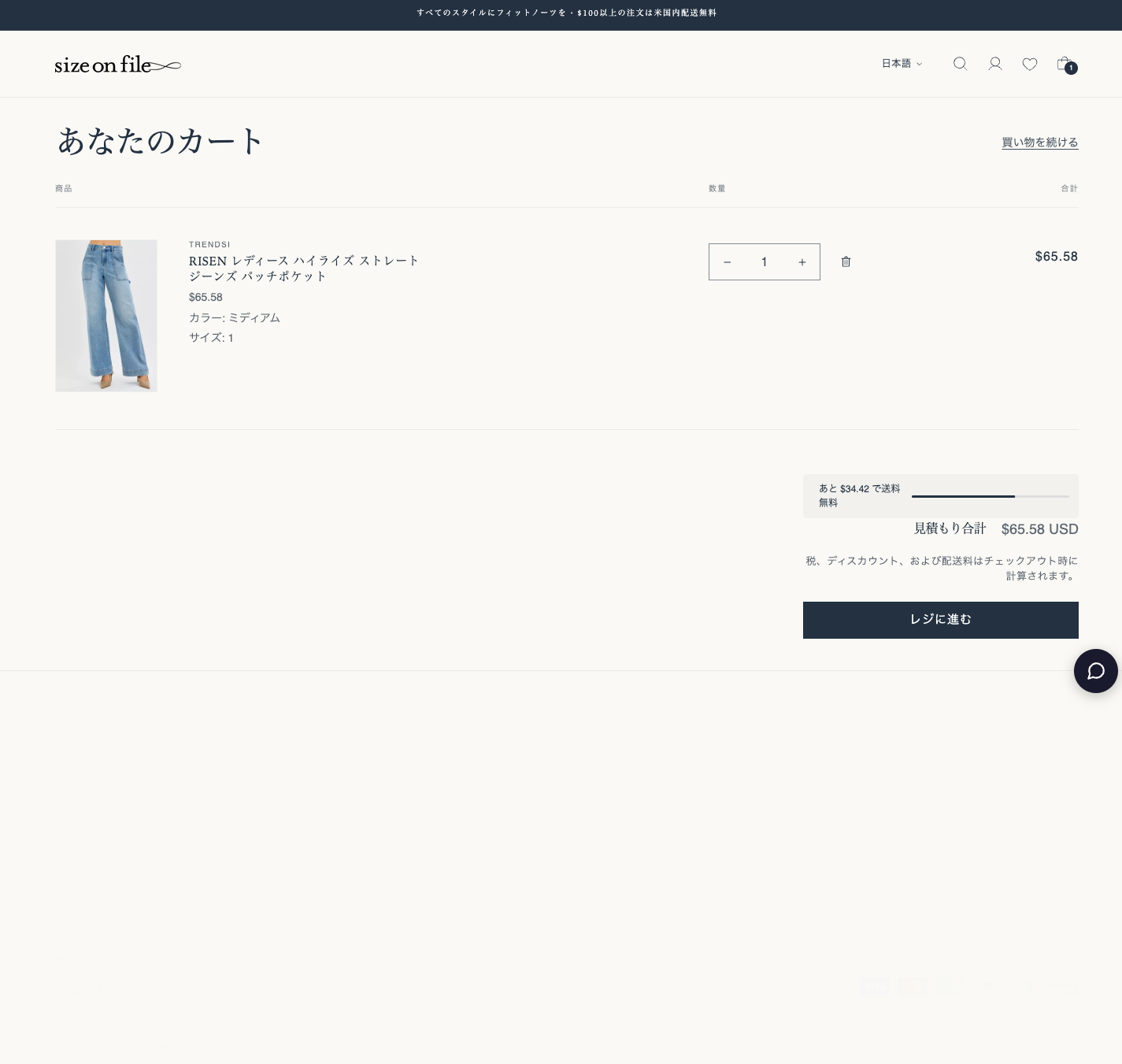
Section titled “Visible shipping costs”An “only ¥X to free shipping” bar resolves shipping-cost anxiety — a major cause of cart abandonment — up front. The setting is Theme settings → Cart → Free shipping amount. Enter the amount multiplied by 100 (for example, 500000 for 5,000 yen). Empty or 0 hides the bar.
Showing delivery and shipping fees
Section titled “Showing delivery and shipping fees”- Table of fees and delivery times — regional shipping fees and delivery times can be shown as a table with the Shipping information section
- Guidance below the buy button — shipping, payment methods, and a link to the return policy are shown with Purchase guidance
- Delivery promise badge — shows an estimated arrival range on the product page using the handling and transit minimum/maximum days and the store clock → Delivery promise badge
Large variant matrices
Section titled “Large variant matrices”For products with many variants (combinations of color, size, and so on), options can be shown as a dropdown instead of buttons. By default the switch happens automatically for products with 100 or more variants. The setting is Theme settings → Product option display → Product option display
Search suggestions on Japanese pages
Section titled “Search suggestions on Japanese pages”Typing in the header search box shows a list of suggested products. Shopify’s built-in search suggestions (predictive search) do not support Japanese pages, so on their own they show no suggestions there at all. Hellostore Theme fills the gap on Japanese pages only: it shows up to four product suggestions taken from the regular search results. Product names and links stay on the Japanese pages.
- Nothing to set up. Whether suggestions appear, and whether they show the vendor and price, follows Shopify’s Theme settings → Search suggestions (Search suggestions, Product vendor, Product price)
- Pages in languages that Shopify’s search suggestions support, such as English, keep using the built-in suggestions
- On Japanese pages the suggestions are products only (no keyword, collection or page suggestions). “Search for …” below the list opens the full results, which include articles and pages
Specified Commercial Transactions Act disclosures
Section titled “Specified Commercial Transactions Act disclosures”The legally required disclosure page (seller information, return terms, and so on) can be built with the bundled page template